 Spell Beasts
Teacher sign in
Spell Beasts
Teacher sign in
Teacher guide · 1 of 13
Getting started
How your school gets Spell Beasts, how you sign in, and the few things to set up before children start.
Your school’s account
A member of staff requests a free trial on the Request a trial page. We set the school up and email them an invitation to be its School Admin. School Admins add the other teachers; children and families never have accounts.
Signing in
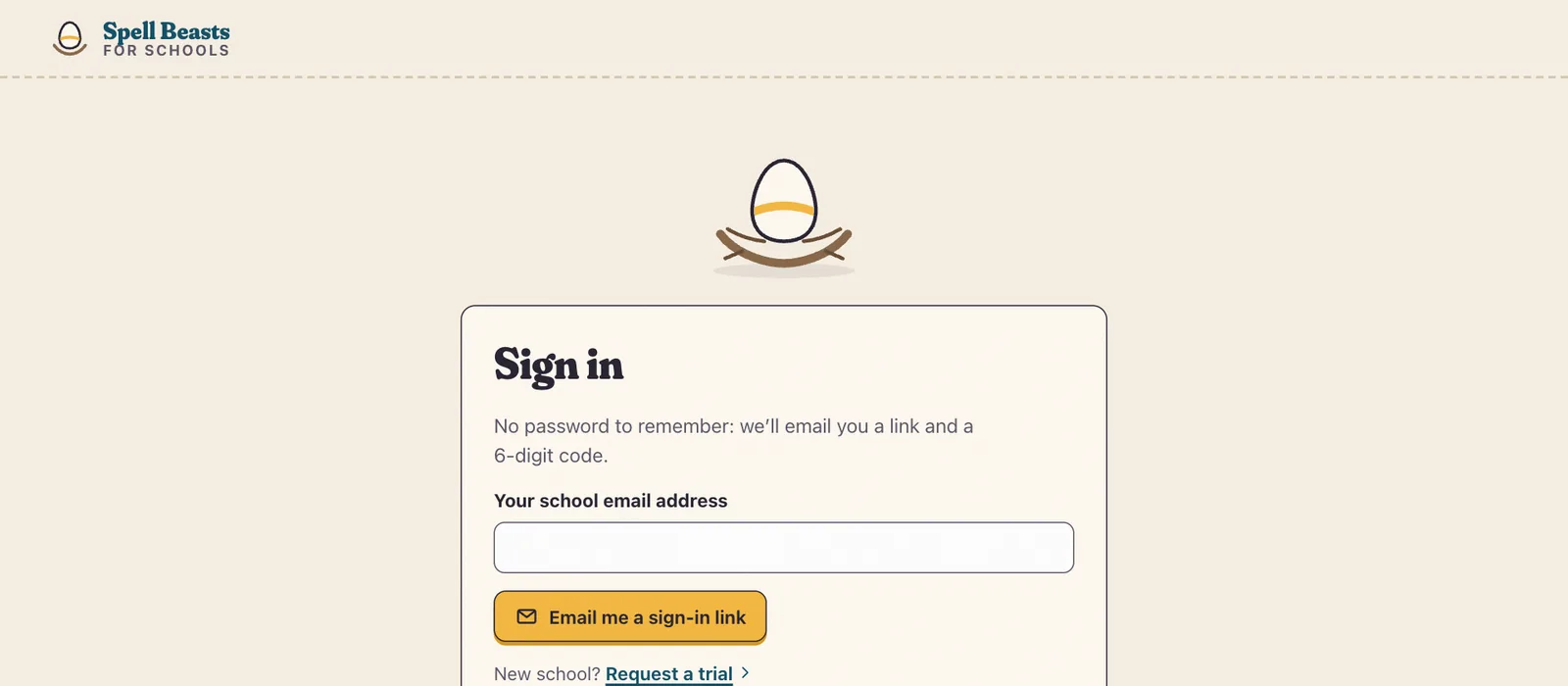
Go to spellbeasts.co.uk/teach and type your school email address.
Open the email from Spell Beasts and press Sign in, or type the 6-digit code it gives you.
The link and code work once, for 15 minutes. There is no password to remember.
Tip If the email doesn’t arrive within a minute, check your junk or quarantine folder: school filters sometimes hold new senders.
Your first ten minutes
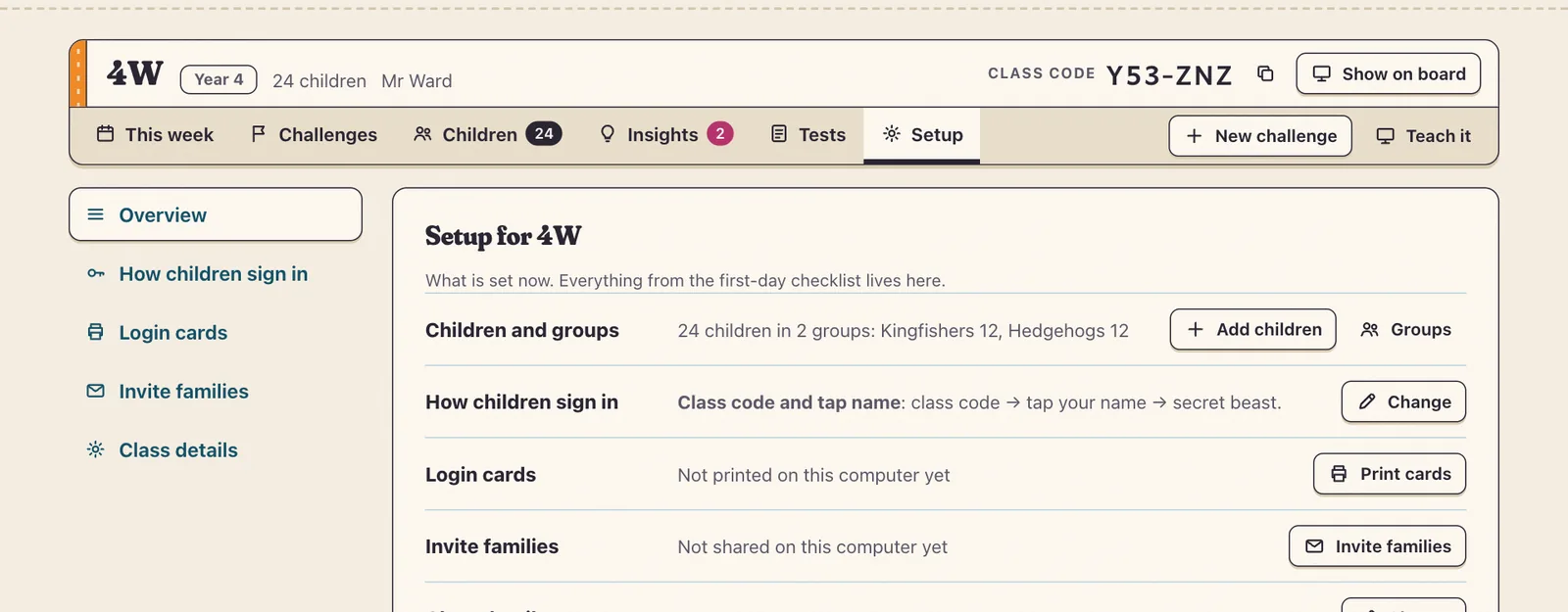
The first time you open a class, a short checklist walks you through it: add the children, choose how they sign in, print their login cards, and set your first challenge. You can come back to any step from Setup.