 Spell Beasts
Teacher sign in
Spell Beasts
Teacher sign in
Teacher guide · 3 of 13
Classes, groups and children
Adding children, splitting a class into groups, and looking at one child’s practice.
Adding children
In your class, open Children and press Add children.
Paste their first names, one per line. Add an initial when two children share a name (Ella M, Ella P).
Each child gets a secret beast picture straight away, ready for their login card.
Spell Beasts only ever stores a child’s first name (and an initial if you add one). No surname, date of birth or email address.
Groups
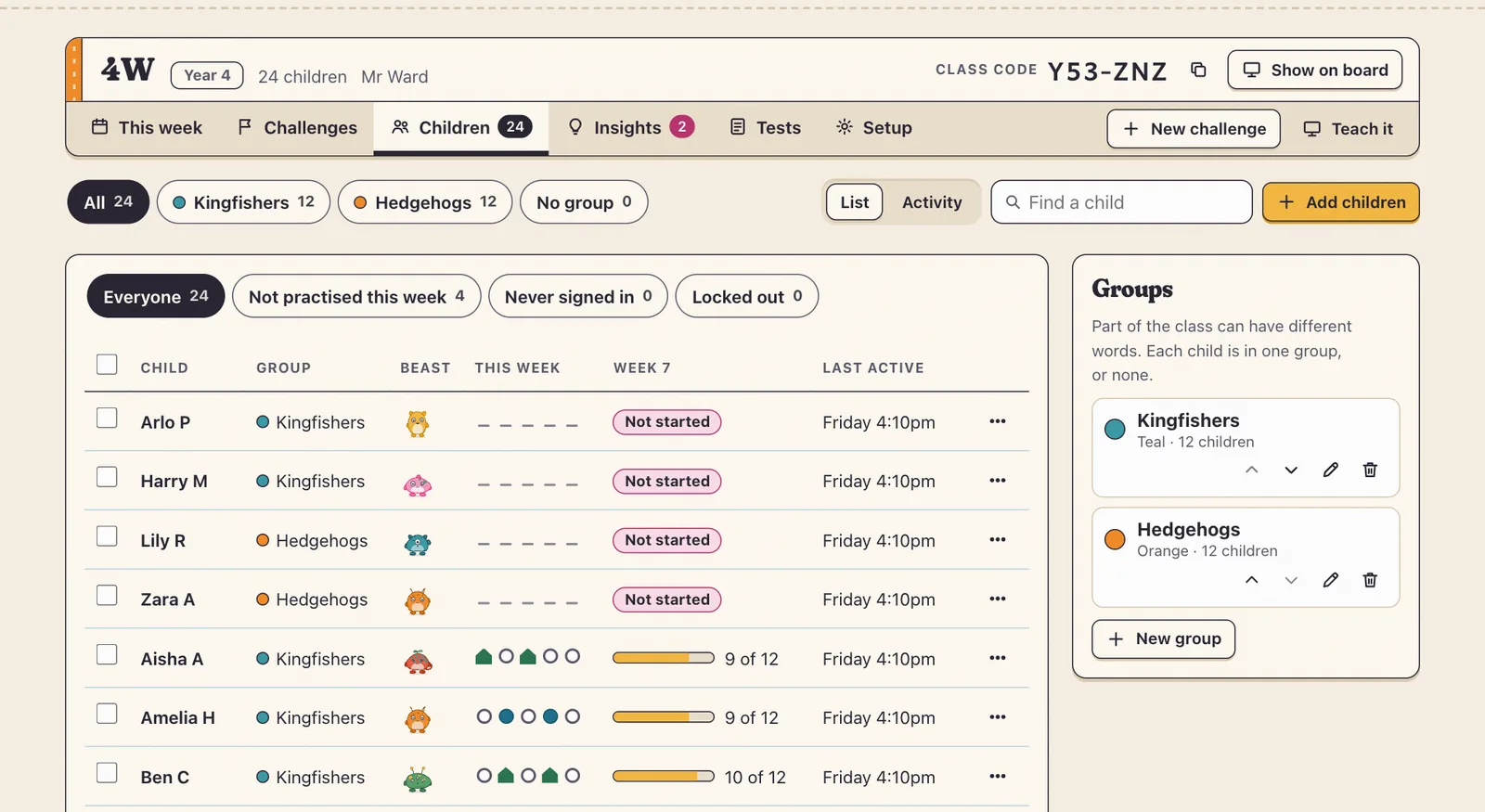
Split a class into up to eight groups, such as Kingfishers and Hedgehogs, so different children get different words. Make and rename groups on the Children page; the group chips at the top of every class page filter what you see.
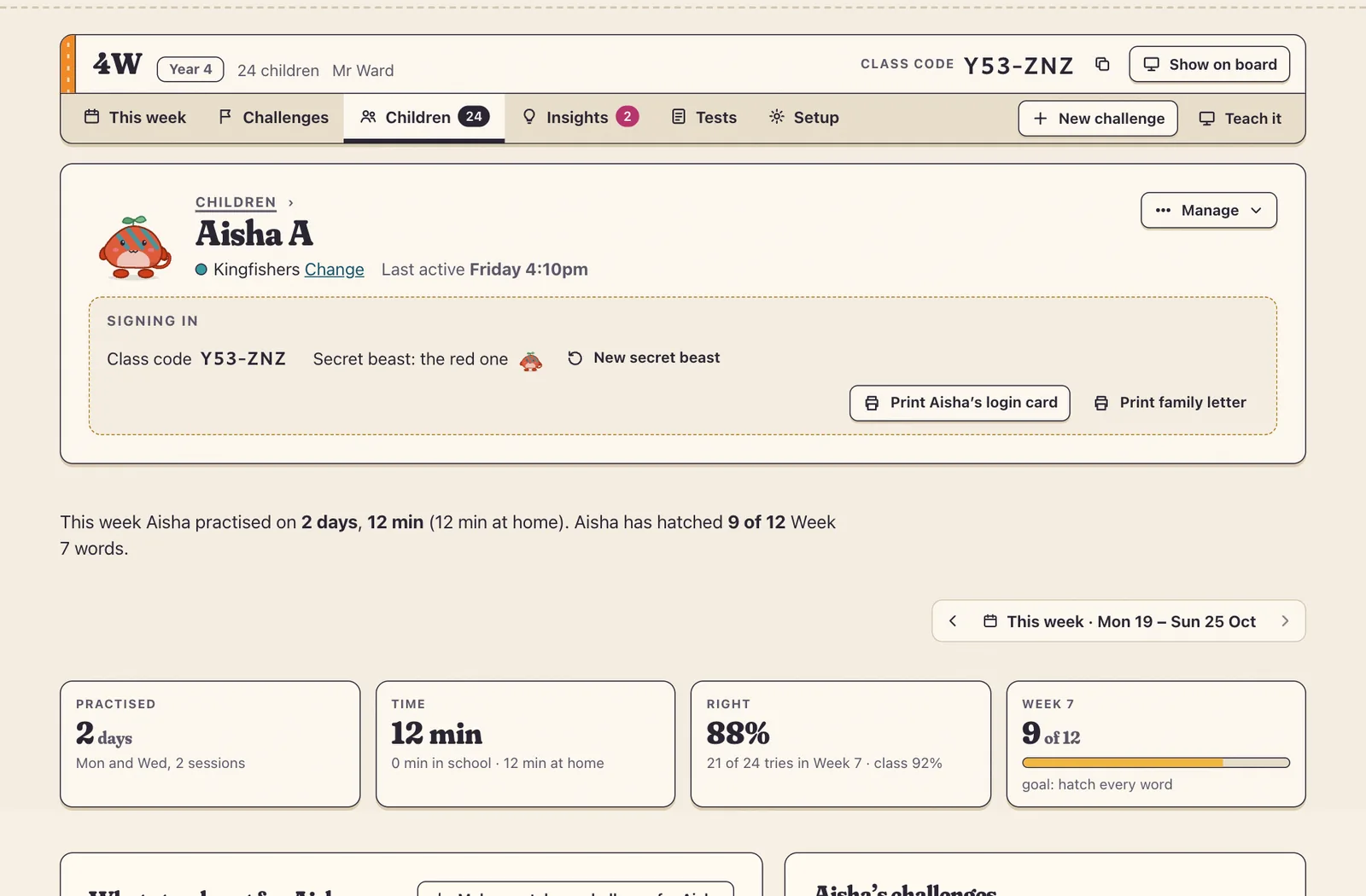
One child
Click a child’s name to see when they practised, how much they got right, the words that stand out for them, and their challenges. From here you can print their login card, give them a new secret beast, or make a catch-up challenge just for them.