 Spell Beasts
Teacher sign in
Spell Beasts
Teacher sign in
Teacher guide · 7 of 13
Setting challenges
A challenge is a set of words with dates, for the whole class, some groups or particular children.
Set a challenge
Press New challenge from any class page.
Choose the words (8 to 15 is plenty for a week).
Choose who it’s for: the whole class, one or more groups, or particular children.
Set the dates and an optional test day, an optional goal (hatch every word, grow every word, minutes of practice or a test score) and a note from you.
Press Set challenge. Children see it at the top of their home screen straight away.
Your challenges
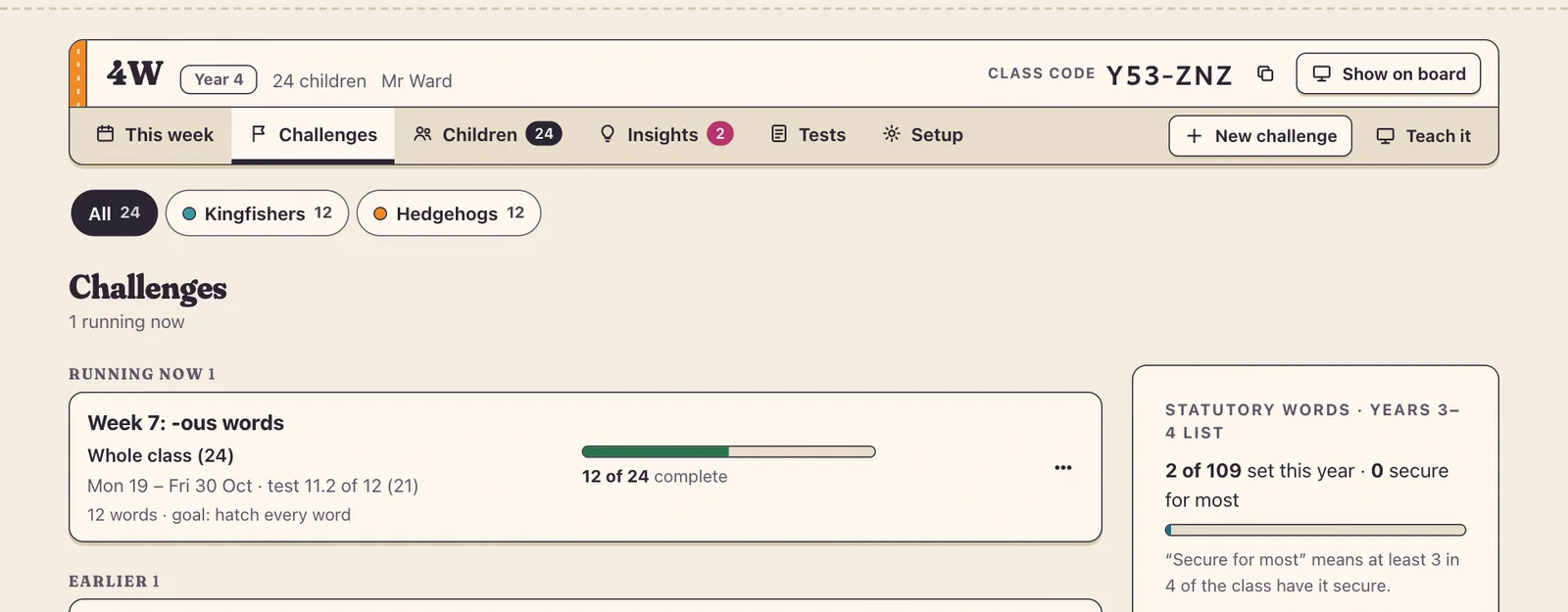
Challenges lists what’s running and what’s finished. Use again copies a challenge to next week, or keeps only the words not yet secure. School Admins can set the same words for every class in a year at once.
A challenge’s page
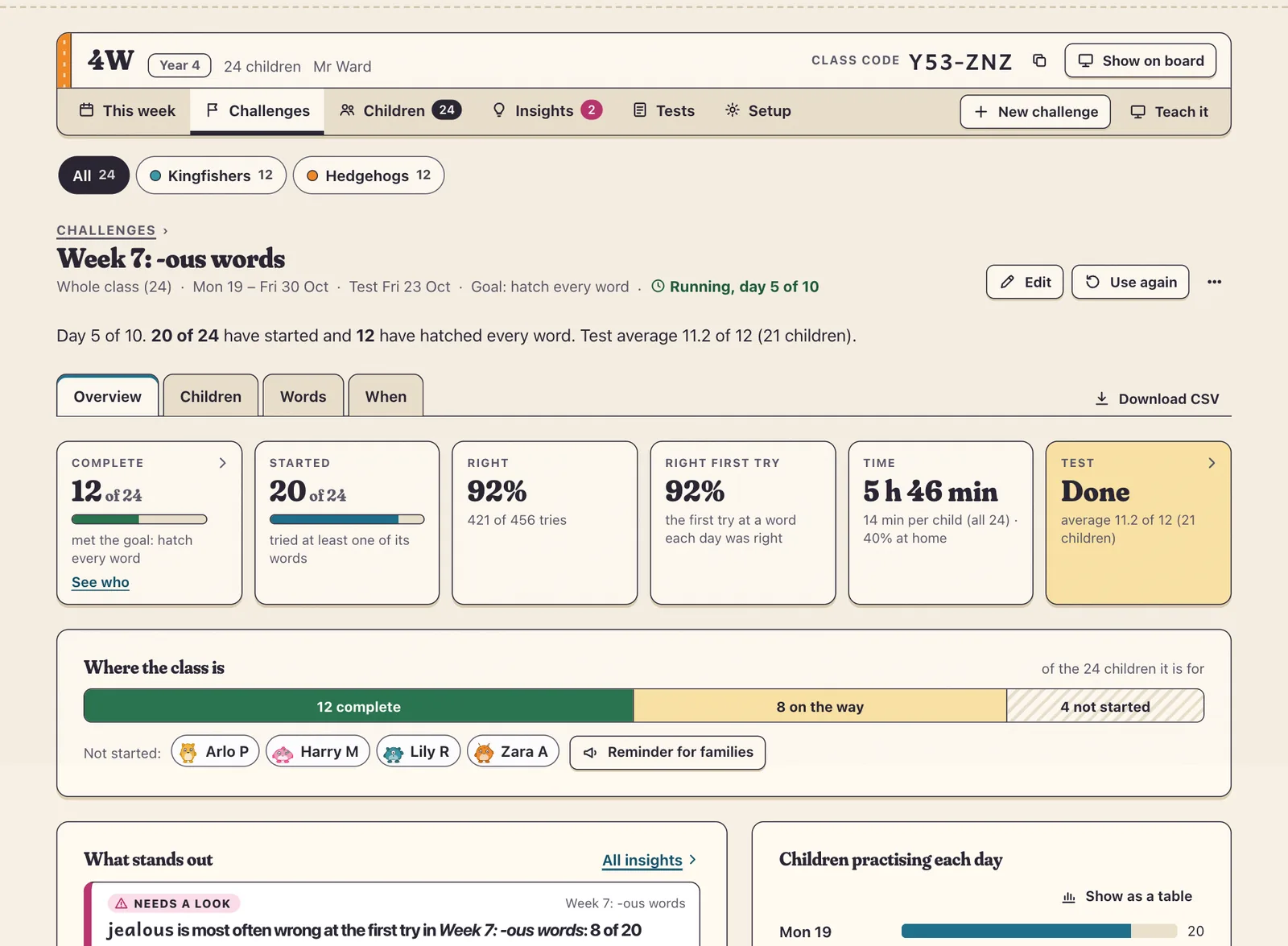
Each challenge has an Overview (complete, started, right, time and the test), Children, Words and When (which days children practised, at school and at home). Download CSV exports the lot as a spreadsheet.